Tinted
Game by Nathan Sorensen (SpiritUnion) and Katelyn Sorensen (kAtsEn)
How To Play:
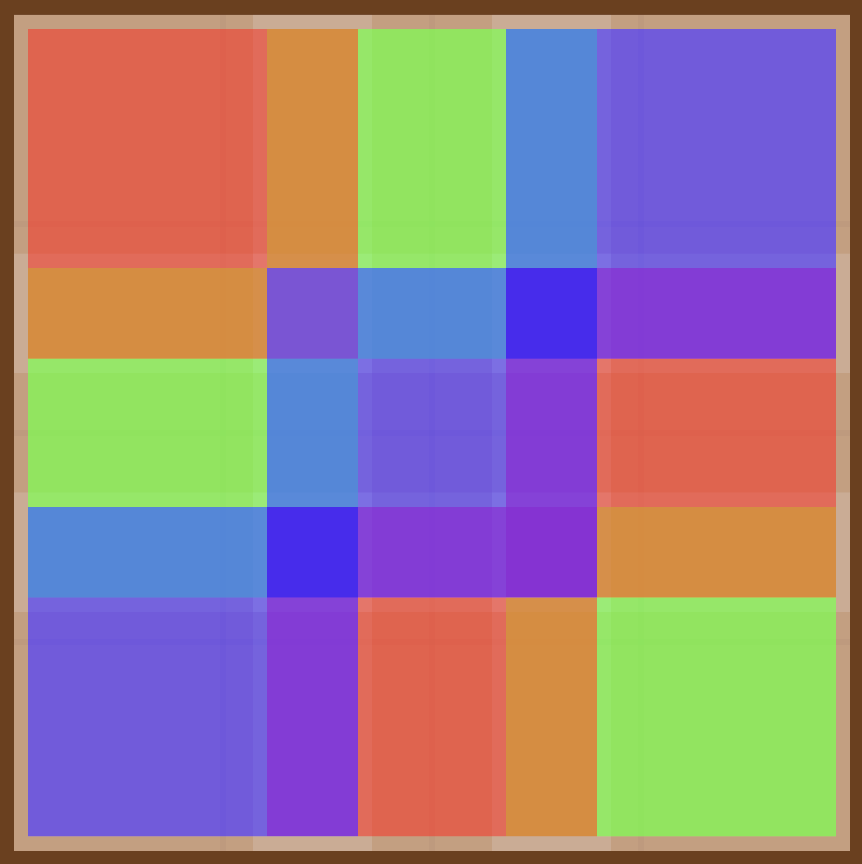
The goal of each level is to match the reference image on the right. You can find all the pieces you need to create the image in the "Pieces" drawer. Press the "Pieces" button to open the drawer. Then, you can press the "Move" button to enter move mode, letting you click and drag pieces from the drawer onto the left frame. To paint pieces, press any of the color buttons and then the piece(s) you want to color.
Hotkeys:
Red Button - '1' or 'r'
Blue Button - '2' or 'b'
Green Button - '3' or 'g'
None Button - '4' or 'n'
Move Button - '5' or Space
Pieces Button - '6' or L-Shift
Menu Button - '7' or ESC
Disable Tutorials - '0'
Music made in Musescore with Musesounds, sound effects recorded with things around the house, all other assets built into Unity
Leave a comment
Log in with itch.io to leave a comment.